
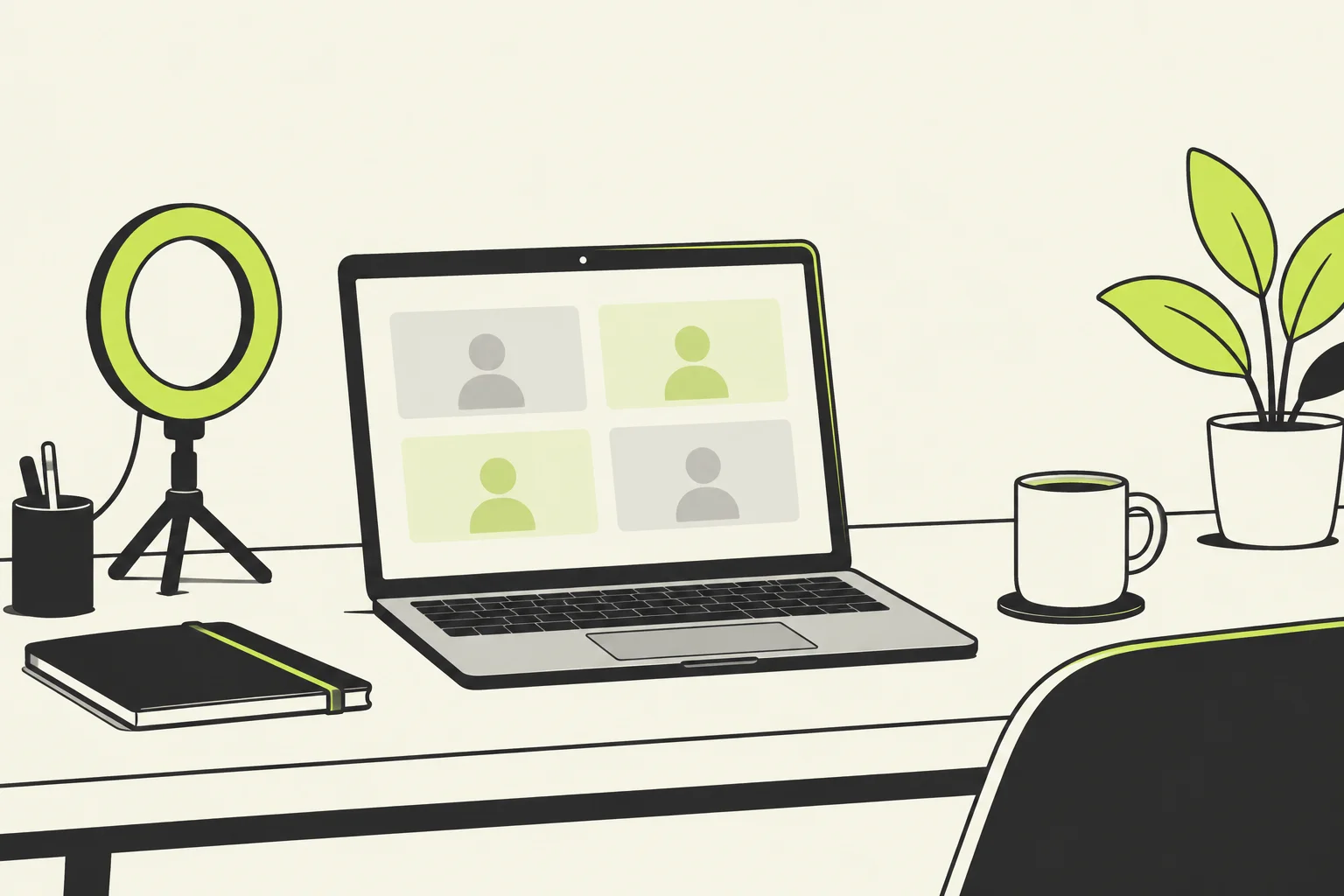
TL;DR: These video interview tips cover everything you need to impress on camera — because a video interview is a real interview, and the camera just changes the stage. Get your tech and lighting right before you log on, look into the lens rather than at your own face, dress as you would in person, and structure every answer with the STAR method. For international students and graduates in the UK, video interviews are often the first hurdle for graduate schemes and sponsored roles, so the candidates who prepare both their setup and their answers stand out fast. The 11 steps below work whether your interview is live or pre-recorded.
Why Video Interviews Matter for International Candidates in the UK
Video interviews have become a standard part of UK hiring, especially as an early screening stage for graduate schemes and large employers. For international students and graduates, they are often the very first conversation with an employer — and a good one can open the door to a face-to-face interview or an offer with visa sponsorship.
The appeal for employers is simple: a video interview saves time and travel, lets a panel review your answers later, and makes it easy to compare a large pool of candidates. For you, that means the bar is set early. A weak connection, a distracting background, or a rambling answer can end your application before your skills ever get a hearing. The good news is that almost every problem is fixable in advance. That is exactly what these video interview tips are built to do — turn the parts you control into an advantage.
If you are still lining up interviews, pair this guide with our interview preparation guide for international candidates, which covers the questions UK employers really ask.
Know Which Type of Video Interview You’re Facing
Before you prepare anything, find out which of the two main video interview formats you have been invited to, because they demand very different approaches.
A live video interview happens in real time on a service like Microsoft Teams, Zoom or Google Meet. You speak to an interviewer or panel exactly as you would in person, just through a screen. Your goal is to build rapport and treat it like a normal conversation.
A pre-recorded (or one-way) video interview is more mechanical. Questions appear on screen — sometimes written, sometimes recorded by the employer — and you record your answers to a time limit, often with only one or two takes. There is no one to react to, which feels awkward at first, so practice matters even more here. The trade-off is flexibility: you usually get a window of a few days to complete it at a time that suits you.
Knowing the format tells you what to rehearse. The rest of these video interview tips apply to both, with a dedicated section for the pre-recorded style further down.
Video Interview Tips for Your Tech and Setup
1. Test everything the day before. Check your camera, microphone, internet connection and the specific software the employer named. Do a trial recording or a test call with a friend so you can hear and see yourself. Confirm your display name reads as your actual name, not “iPhone” or “user1234.”
2. Sort your lighting and background. Face a window or place a lamp behind your camera so the light falls on your face — never behind you, or you become a silhouette. Choose a quiet spot with a tidy, plain background so the recruiter focuses on you and not your room.
3. Get the camera at eye level. Stack a few books under your laptop so the lens sits level with your eyes, and frame yourself from roughly the chest up. Close other apps and browser tabs to protect your bandwidth, silence notifications, and tell anyone you live with not to interrupt. For deeper setup advice, the National Careers Service video interview guide is a reliable, free reference.

Master Body Language and Eye Contact on Camera
4. Look at the lens, not the screen. The single hardest habit in any video interview is resisting the urge to watch yourself or the interviewer’s face. Looking into the camera is what reads as eye contact to the person on the other end. If it helps, move the video window up near your webcam so your gaze naturally drifts toward the lens.
5. Sit tall and keep gestures natural. Good posture signals confidence and energy. Keep your hands visible and use them as you normally would, but avoid fidgeting, swivelling in your chair, or leaning too close to the camera.
6. Slow down and use pauses. Video adds a split-second delay, and nerves make most people rush. Speak a touch more slowly than feels natural, finish each point, and pause before answering so you never talk over the interviewer. A calm pace is one of the most underrated video interview tips because it makes everything else you say land better.
Dress and Frame Yourself to Impress on Camera
7. Dress fully and professionally — head to toe. Wear the same outfit you would for an in-person interview for the role, and resist the temptation to be smart on top and casual below; you may need to stand or adjust, and dressing the part also puts you in the right mindset. Choose solid, muted colours that contrast with your background rather than busy patterns, which can shimmer on camera. Frame yourself as a clean head-and-shoulders shot, centred, with a little space above your head.
Answer Questions With Confidence Using the STAR Method
8. Prepare answers and structure them with STAR. Expect the same questions you would face in person: “Tell me about yourself,” your strengths, why this company, and competency questions about your experience. Structure your examples with the STAR method — Situation, Task, Action, Result — so your answers stay tight and evidence-led instead of drifting. Have your CV nearby so you can reference specific achievements.
9. Research the company and prepare your own questions. Read the employer’s website and “about us” page, and be ready to show what you have learned. Prepare two or three thoughtful questions to ask at the end — it signals genuine interest. When you talk about your experience, connect it to what UK employers value; our LinkedIn tips for international students can help you shape that story before the interview.
Pre-Recorded Video Interview Tips

10. Rehearse for the one-way format specifically. Pre-recorded interviews are the ones candidates fumble most, simply because talking to a lens with no reaction is unnatural. Record yourself answering common questions and play it back to check your pace, eye contact and clarity. Use the full time you are given, but do not over-run — practise landing a complete STAR answer inside a two-minute limit. Imagine a friendly person just behind the camera and speak to them, and read any on-screen instructions carefully so you know how many attempts you get.
After the Video Interview: Follow Up the Right Way
11. Reflect and follow up. As soon as you finish, jot down the questions you were asked and how you answered — it is gold for your next interview. If you were not told when to expect a decision, a short, polite thank-you email a day later reinforces your interest and keeps you memorable. Whatever the outcome, every video interview is practice that makes the next one easier. A strong written follow-up uses the same clear, professional tone as a good cover letter — see how to write a UK cover letter that gets interviews for the style to aim for.
Frequently Asked Questions
How long does a video interview usually last? Most video interviews last around 20 to 30 minutes, though panel interviews and later stages can run longer. Pre-recorded interviews are often shorter, with each answer capped at one to three minutes.
What should I do if my internet cuts out during a live video interview? Stay calm and let the interviewer know straight away — technical glitches are common and expected. Have the interviewer’s phone number or email to hand so you can reconnect or ask to continue by phone. Restarting is completely acceptable.
Can I use notes during a video interview? A few discreet bullet points near your camera are fine and one of the quiet advantages of a video interview. Keep them to prompts only — reading full scripted answers is obvious on camera and makes you sound flat.
How do I calm my nerves before a pre-recorded video interview? Practise out loud and record yourself a few times first, so the format stops feeling strange. Before you start, take a few slow breaths, smile, and remember you can usually do a practice question. Treating the lens as a real person you are talking to settles most people quickly.
Do these video interview tips differ for international candidates? The core video interview tips are the same for everyone, but international candidates should double-check the time zone of a live interview, allow for any connection lag, and be ready to speak clearly and a little more slowly. Showing you understand the UK role and workplace is what employers screen for most at this stage.
